Reduce Noise.
Regain Focus.
Break the infinite doomscroll loop. Shield your feeds, complete focus arcade challenges to earn screen time, and stack Quartz as you master your attention.
01 — Doomscroll Quota
Social feeds are designed to trap your attention. We break the loop.
Quartz integrates natively with iOS Screen Time to set a hard daily doomscroll quota. Once your allotted time runs out, your selected apps are natively locked — no VPN workaround, no browser loophole. Your shield is at the OS level.
Set your daily quota
Define exactly how many minutes of scroll time you allow yourself each day.
Native OS-level shielding
Quartz uses Apple's Screen Time API to block selected apps at the system level — unbypassable.
Track remaining quota live
A real-time countdown ring shows your remaining scroll budget at all times.
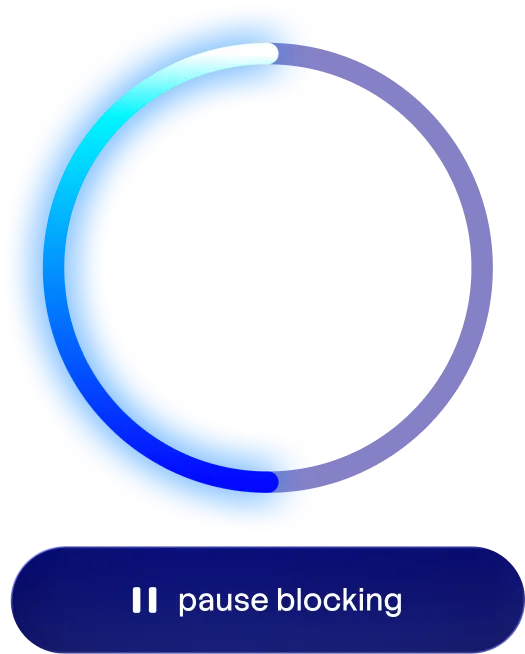
Your quota, always visible
The ring drains as you scroll. When it empties, the shield goes up.
You again?
Instagram Blocked: 4x Today
Quota: Depleted
Train your focus in the Attention Gym to earn more doomscroll quota!
Out of quota, reaching for a shielded app. This is the actual Quartz shield — it replaces the app at the OS level.
02 — Attention Gym
Don't quit cold turkey. Train instead.
When your quota runs low, don't panic. Head to the Attention Gym and earn back scroll time by completing focus-based arcade challenges. One game at a time.
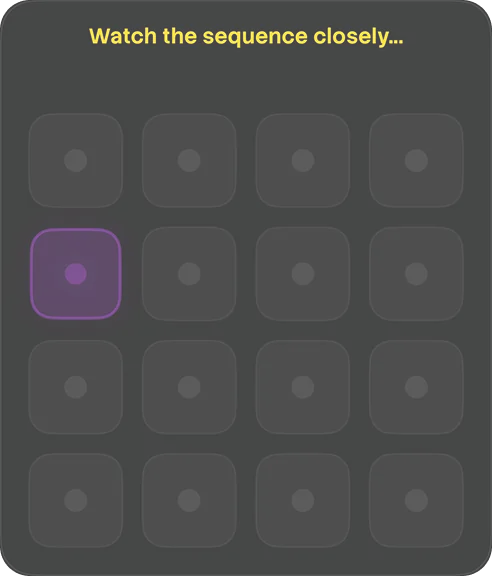
Memory Pattern
Remember the pattern, repeat it!
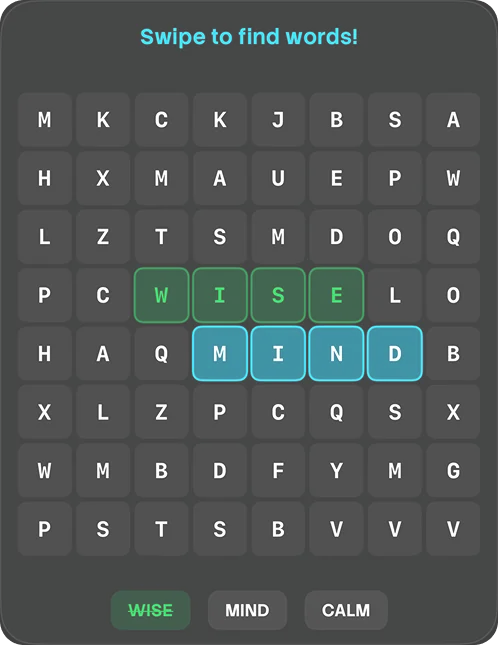
Word Search
Hunt hidden words, beat the clock
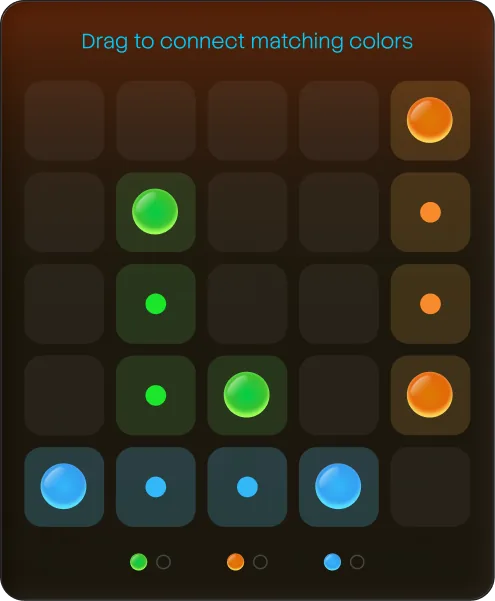
Connect Dots
Match & connect all the dots!
Wave Runner
Ride the wave path, dodge spikes!
Every win adds quota back to your day — earned, not taken.
03 — Focus Economy
Dopamine balancing by design.
Focus isn't just about blocking. It earns. The longer your focus session runs uninterrupted, the more your attention multiplier compounds — reaching up to 2.0× at 5 hours. Your remaining quota converts to Quartz at midnight.
Compounding Effect Table
Quartz rewards scale with your focus time. End early and the surge multiplier is voided.
| Focus Time | Multiplier | Quota Saved | Est. Reward |
|---|---|---|---|
| 0 min | 1.00× | 45 min |  45 Quartz 45 Quartz |
| 60 min | 1.20× | 40 min | 48 Quartz |
| 120 min | 1.40× | 35 min | 49 Quartz |
| 180 min | 1.60× | 30 min | 48 Quartz |
| 240 min | 1.80× | 25 min | 45 Quartz |
| 300 min ⚡ | 2.00× MAX | 20 min | 40 Quartz |
⚠︎ Turning off your focus monitor early voids the compounding multiplier and resets your streak.
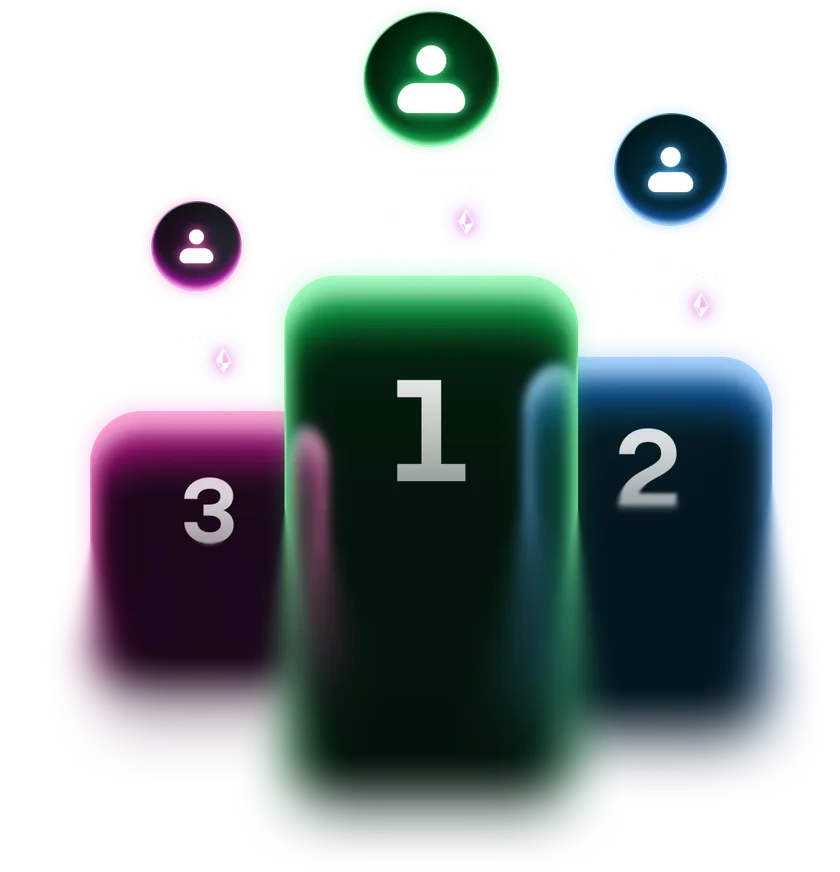
04 — Leaderboard
Mindful phone use is better with stakes.
Stack your active streak days. Climb the Quartz leaderboard. Reflect daily on your digital habits. Quartz turns screen-time discipline into something worth competing for.

Daily Streaks
Keep your focus monitor active every day to build a streak. Miss a day and it resets.
Quartz Rankings
Your Quartz balance determines your rank on the global leaderboard.
Reflect & Improve
Weekly reflections and daily habit snapshots help you understand your scrolling patterns.
05 — Tech Stack
Built natively, on Apple's own rails.
No cross-platform shell, no VPN trickery, no server holding your data. Quartz is a native iOS app that leans on the frameworks Apple built for exactly this job.
Swift & SwiftUI
Powering native, high-performance fluid user interfaces and the four interactive mini-games.
CloudKit
Enabling seamless cross-device sync, secure Sign in with Apple, and the real-time global leaderboard — all in Apple's iCloud, with no server of our own.
Screen Time API & Family Controls
Deep iOS integration to monitor device activity, manage focus quotas, and shield apps at the OS level.
Device Activity Extensions
Running efficiently in the background to accurately track app usage and enforce your doomscroll limits.
06 — Accessibility
An app about attention everyone can use.
Quartz supports the iOS accessibility settings you already have switched on — it reads your preferences rather than asking you to configure anything twice.
Larger Text
Text sizes scale with your system setting, staying readable without breaking the layout.
Reduce Motion
Turns off the glowing effects, screen transitions and gameplay animations for anyone sensitive to movement.
Sufficient Contrast
High-contrast text and interface elements keep everything legible for low-vision users.
Voice Control
Every button carries a spoken label, so the whole app can be driven hands-free with voice commands.
VoiceOver
Spoken descriptions explain your focus metrics, the game boards, and what each screen is doing.
Dark Interface
A neon-on-black layout throughout, chosen to cut eye strain and visual noise.
Ready to take your attention back?
Download Quartz from the App Store and start breaking the loop today.
Download on the App Store07 — FAQ
Frequently asked questions.
What is Quartz?
Quartz is a focus and digital wellness app that helps you understand and reduce excessive scrolling habits through gamification, native app shielding, and compounding rewards.
How does Quartz help me focus?
Quartz provides screen-time monitoring, focus-building arcade activities, daily streaks, a compounding reward economy (Quartz), and reflection tools to help you build healthier digital habits over time.
Who is Quartz for?
Anyone who finds themselves stuck in endless scrolling and wants to be more intentional with their time and attention — especially Gen Z users who know the doomscroll trap all too well.
Does Quartz sell my data?
Never. We don't sell your data, and we use no third-party analytics, advertising, or tracking SDKs. Your Screen Time data — the apps you limit and how you use them — stays on your device and is never transmitted. The only information stored in the cloud is what powers the leaderboard and cross-device backup, such as your display name, avatar, and Quartz balance, held securely in Apple's iCloud. See our Privacy Policy for the full details.
Can I bypass the app shield?
Not easily. Because Quartz uses Apple's native Screen Time Restrictions API, the block happens at the OS level. There are no browser workarounds or VPN bypasses. The only built-in override is the Emergency Unpause, and it costs you: your Quartz balance drops to zero and the rest of the day stops counting toward your streak.